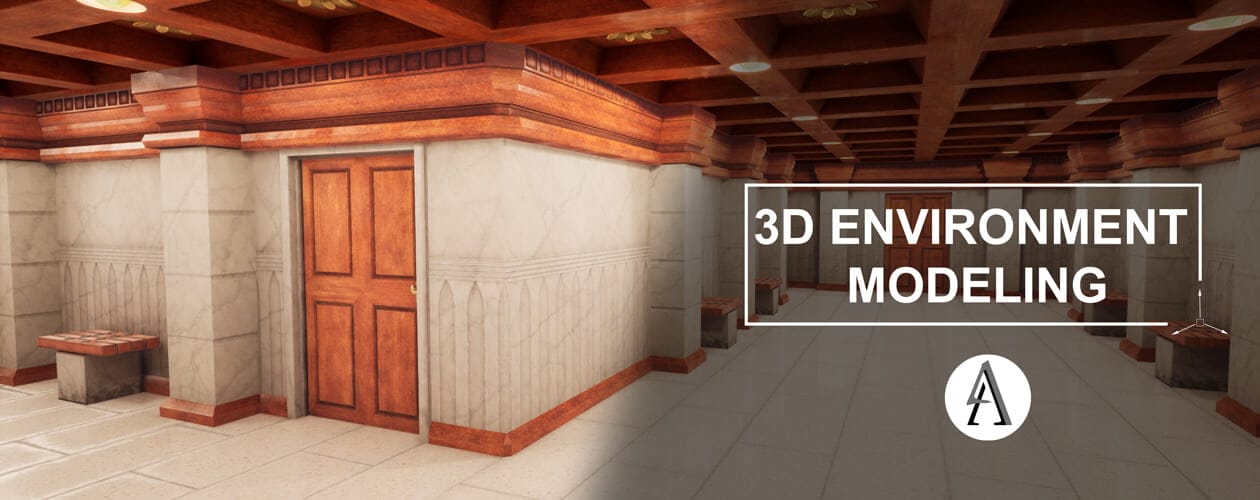
3D Environment Modeling
Description
In this course, students learn the necessary skills to build assets/images/course-banners and design 3D environments for use in various 3D mediums. Skills learned include 3D modeling using Autodesk Maya, texturing in Substance Painter, and building and lighting an environment in Unreal Engine 4. The course focuses on development and building a work pipeline similar to what students will encounter in the industry.

Course Author
Devin Morse
Program Areas
IntensityINTERMEDIATE
Duration8 weeks
Course Outline
Module 1 • Maya Interface and Navigation
This module covers the basics of Autodesk’s Maya. It covers the interface, navigation, standard polygon meshes, and basic manipulation tools. Additionally, this module covers reference images and how to plan your environment construction. Lastly, the assignment includes finding reference images and preparing to model an interior environment.
Module 2 • Environment Scaling & Modular Construction
This module covers modular proper environment scaling and modular construction. This module is designed to show how to create intricate environments using minimal modular pieces modeled in Maya. Additionally, this module covers pivot setups.
Module 3 • UV Mapping
This module covers techniques for UV mapping environment props. This module covers the various UV tools and UV editor. It discusses methods for stacked UVs and non-stacked UVs. Additionally, this module covers Editing UVs for both seamless textures and unique textures. This module also covers setting up layers in Maya for organizing models.
Module 4 • High Poly Models
This module covers preparing high poly models and material ID’s for baking in Substance Painter. It covers the techniques for creating a high poly model in Maya and how they will be used in a Substance Painter Bake.
Module 5 • Working with Substance Painter
This module covers importing low poly, high poly, and Material ID models into Substance Painter. The module also discusses applying materials and the various techniques for creating normal maps, using alphas, and masks. Additionally, this module covers exporting textures from Substance Painter for use in Unreal Engine 4.
Module 6 • Introduction to Unreal Engine 4
In this week’s module, students are introduced to Unreal Engine 4. This module deals with importing and setting up meshes in the engine as well as checking certain parameters to ensure proper use in building an environment.
Module 7 • Developing Materials in Unreal Engine 4
This module covers developing materials within Unreal Engine 4 and how to incorporate them into your environment. Students learn how to import textures and setting up the texture parameters. Students will then learn how to create a master material and how to use material instances.
Module 8 • Texture and Lighting
In this module, students learn to construct their environments using the modularity discussed in earlier modules. Once their environments are constructed, they must properly light their environments. Students will be taught various lighting techniques and parameter adjustments. In addition, this module covers finalizing the environment and preparing it for use in a presentation or portfolio. It discusses Production light building and the High Quality Screenshot tool.
Available Courses
Devin Morse
Instructor
Location
ONLINE
Begins
Jun 29, 2026
Ends
Aug 23, 2026
Class times
6:00 PM – 8:00 PM CT
$849.00
Devin Morse
Instructor
Location
ONLINE
Begins
Jun 8, 2026
Ends
Aug 2, 2026
Meets on
Mon
Class times
8:00 AM – 10:00 AM CT
$849.00